Create a Juno connection
To generate a Juno instance, press the Add button below the connection overview table. A wizard dialog will open, guiding you through the creation of a Juno connection configuration:
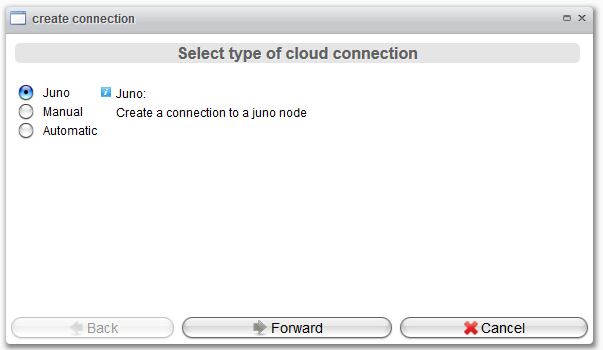
After clicking the Forward button, the next wizard page will appear. On this page, you will configure the basic Juno settings.
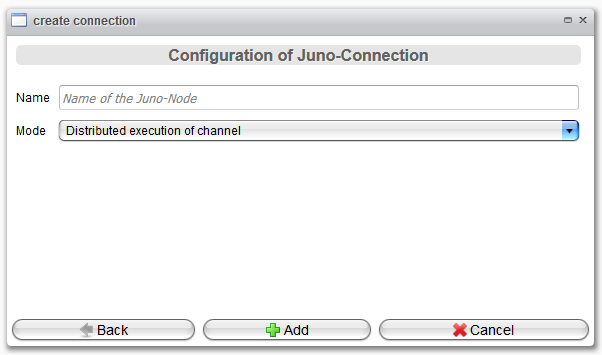
Please enter a unique name for the Juno node. The password required for the cloud connection will be generated automatically.
By selecting the appropriate Mode, you will specify the type of the Juno node:
-
Distributed execution of channel: The Juno instance is utilized for executing channels that are transferred from the main server to the Juno instance.
-
Integration server: Juno operates as a standard Orchestra instance. It can handle any scenario and is connected via a cloud connection to the main server.
The name must be unique. Otherwise, an error will occur. The password needed for the cloud connection is created automatically.
Finally, click the Add button to save the connection.